

You can access the demo accounts by logging into the HAVEN Pro Portal. You’ll instantly be routed to the Customers page where the demo accounts will show up at the top.
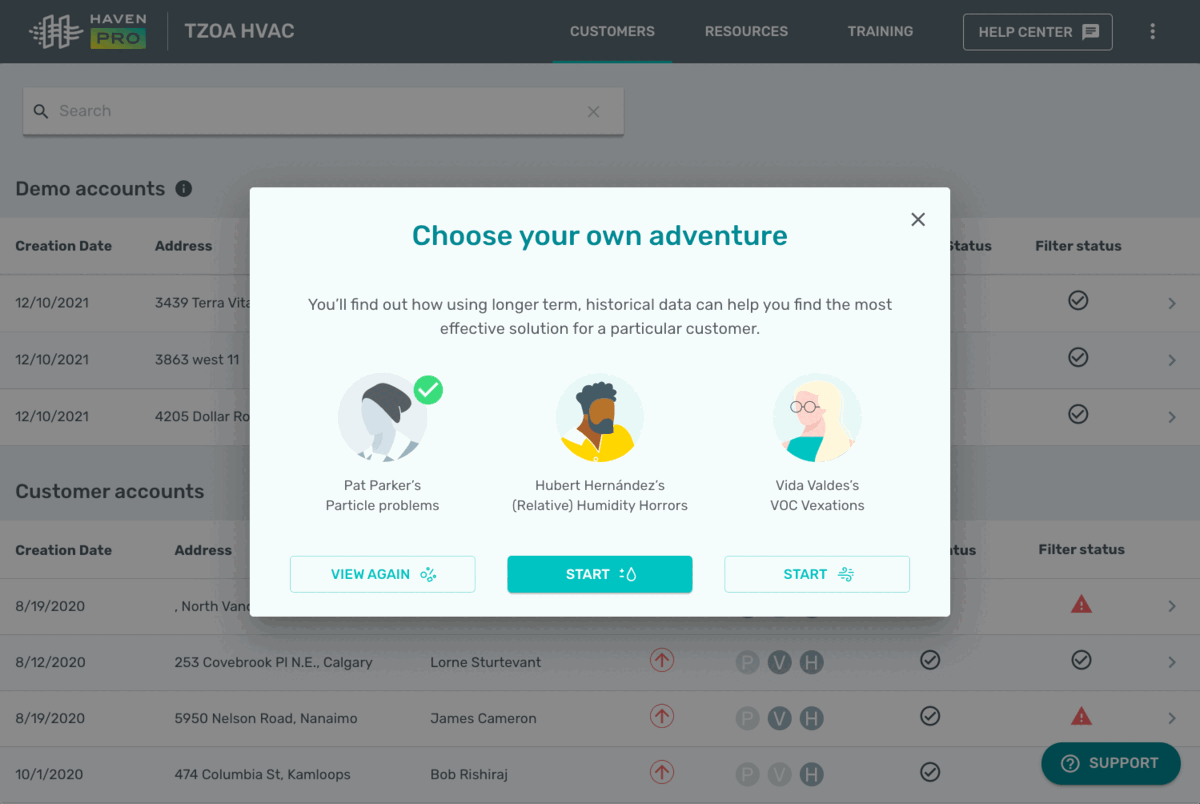
If this is your first time logging into the Pro Portal, you can access the demo accounts from that first popup. If you dismiss that first popup, no worries. You can click into each demo account via the Customers page.
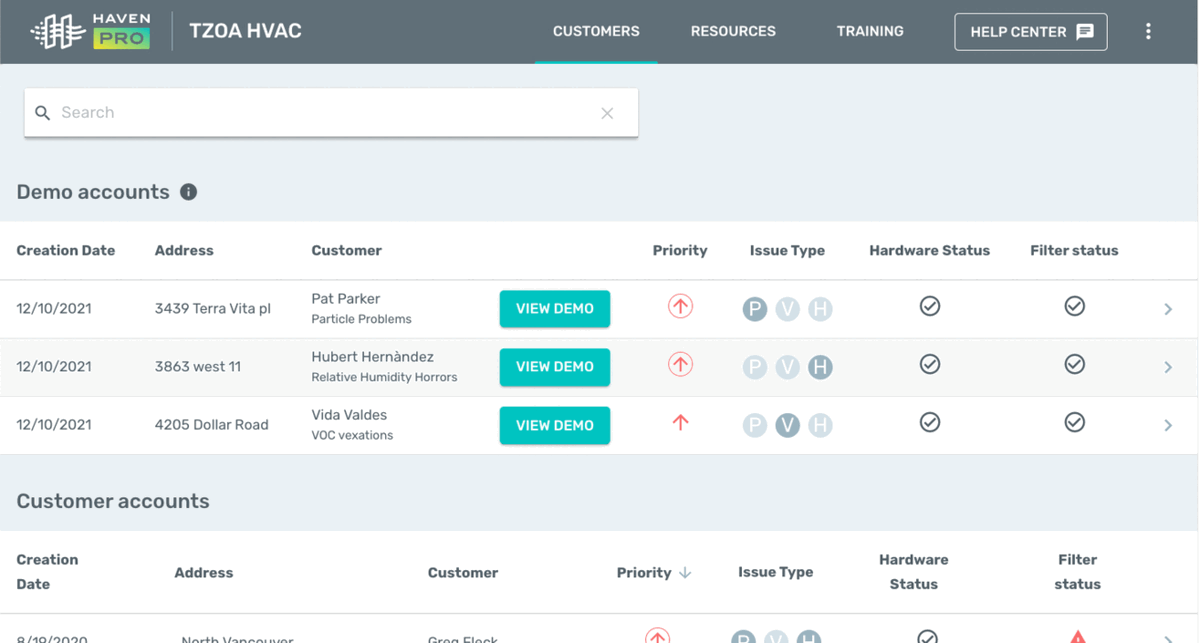
When you view one of the demos, the Portal will save your spot so you can pick up where you left off next time you want to dive in.
For assistance with any aspect of the Pro Portal, you can contact us directly via 1-833-442-7776 or prosupport@haveniaq.com