

You may already understand the Pro Portal in some depth and no longer need the assistance of our Demo Data accounts. To ensure you are viewing your Customers list in full, and any accounts which require your attention are front and center, we have added a toggle to switch these accounts ON or OFF.
To update your Pro Portal first navigate to your Settings tab via My Account.
You can switch the Demo Data to ON or OFF via the Show Demo accounts toggle.
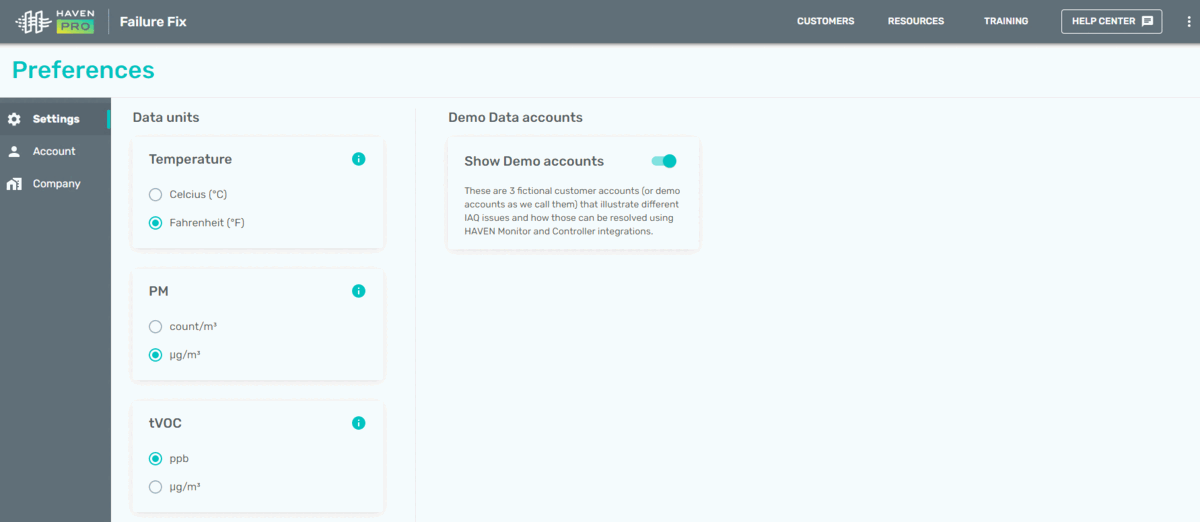
Toggled to Demo Data ON position
Media pending restorationThis item is being restored from the certified support archive.
Simply toggle the switch to the OFF position (greyed-out) to stop viewing the Demo Data accounts in your Customers list as shown below.
Media pending restorationThis item is being restored from the certified support archive.
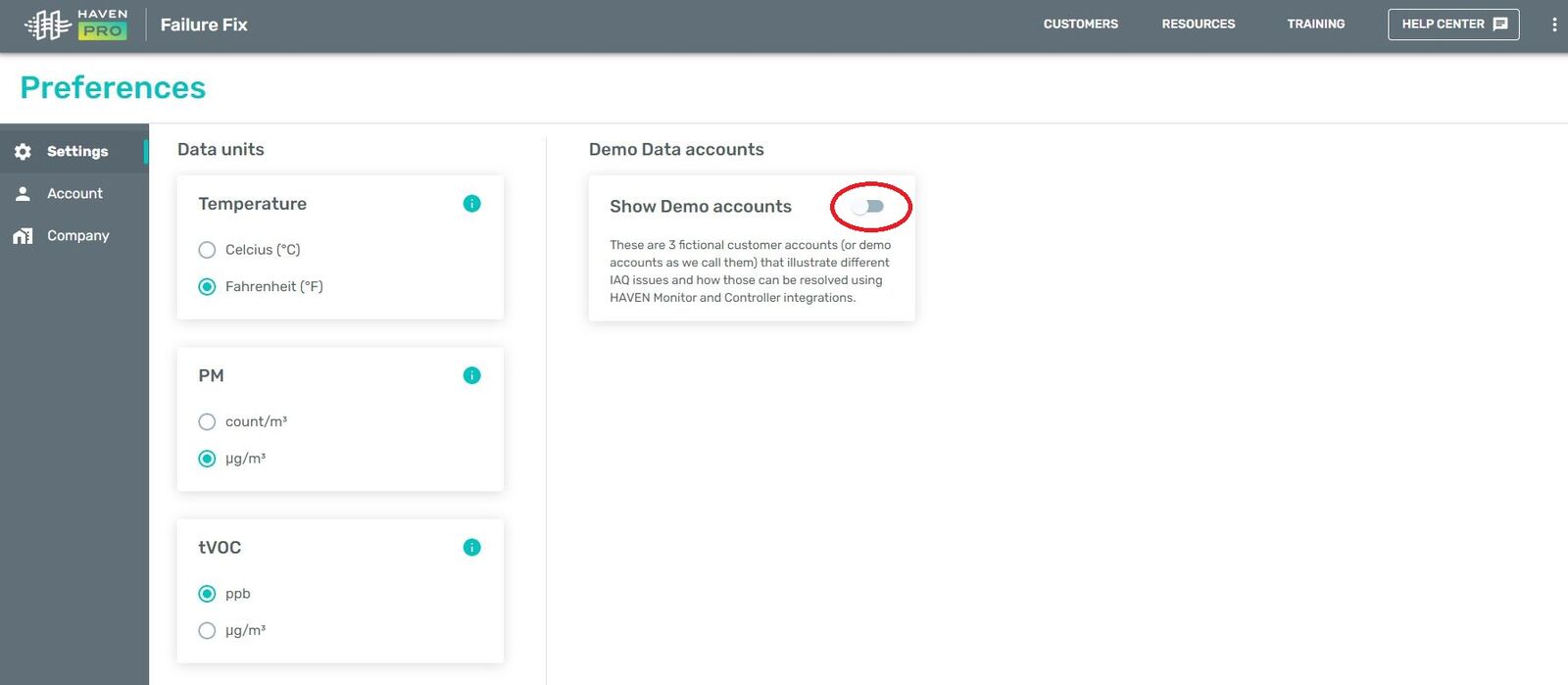
Toggled to Demo Data OFF position.
For assistance with any aspect of the Pro Portal, you can contact us directly via 1-833-442-7776 or prosupport@haveniaq.com