We use cookies to enhance your browsing experience, analyze site traffic, and personalize content. By clicking "Accept All", you consent to our use of cookies. Read our cookie policy
How to link your Ecosense account with your HAVEN account
Last updated Feb 6, 2024
Why link accounts?
By linking your Ecosense account to your HAVEN account, you can now view your localized radon data together with your whole-home data. In the near future, HAVEN will be able to use this EcoQube data as an input for your whole-home ventilation automations, ensuring prompt action is taken if radon levels increase.
How can it be accessed
To associate any 3rd party accounts to your HAVEN account & dwelling, you need to be logged in as the admin user for the dwelling.
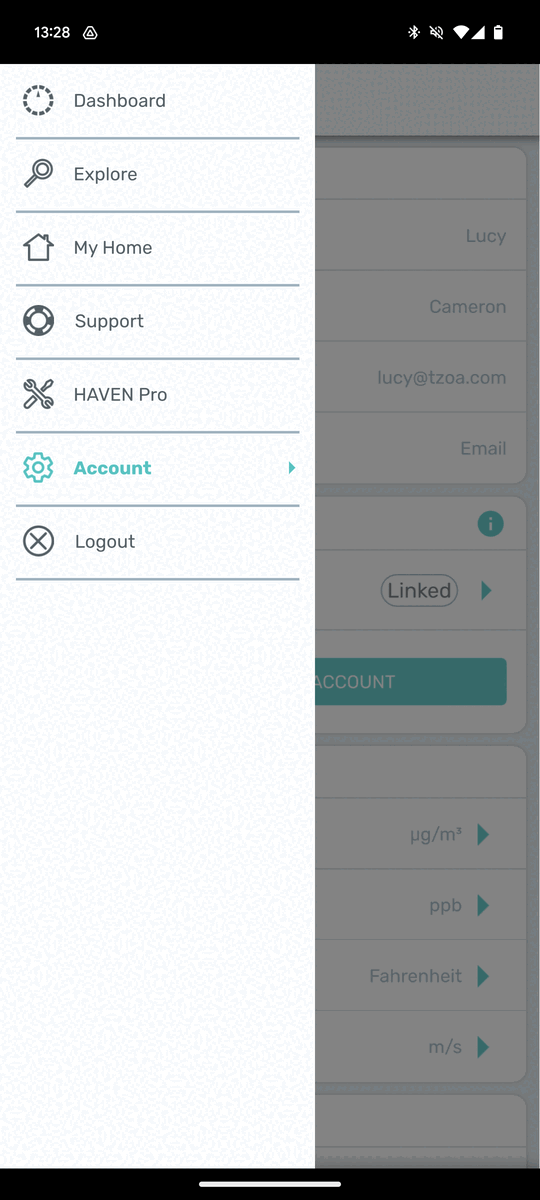
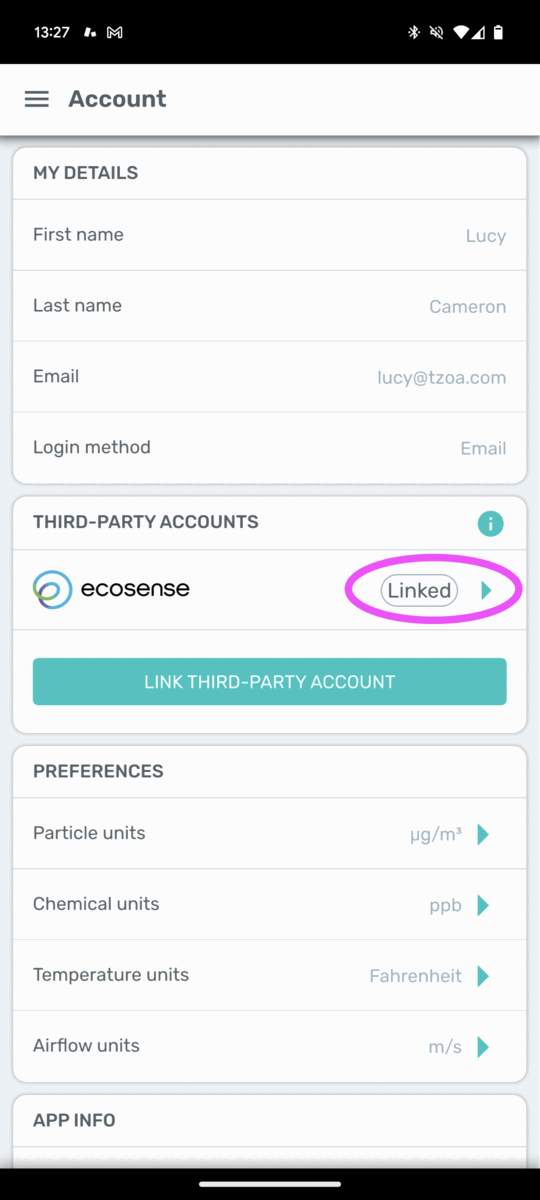
Go to Menu / Account
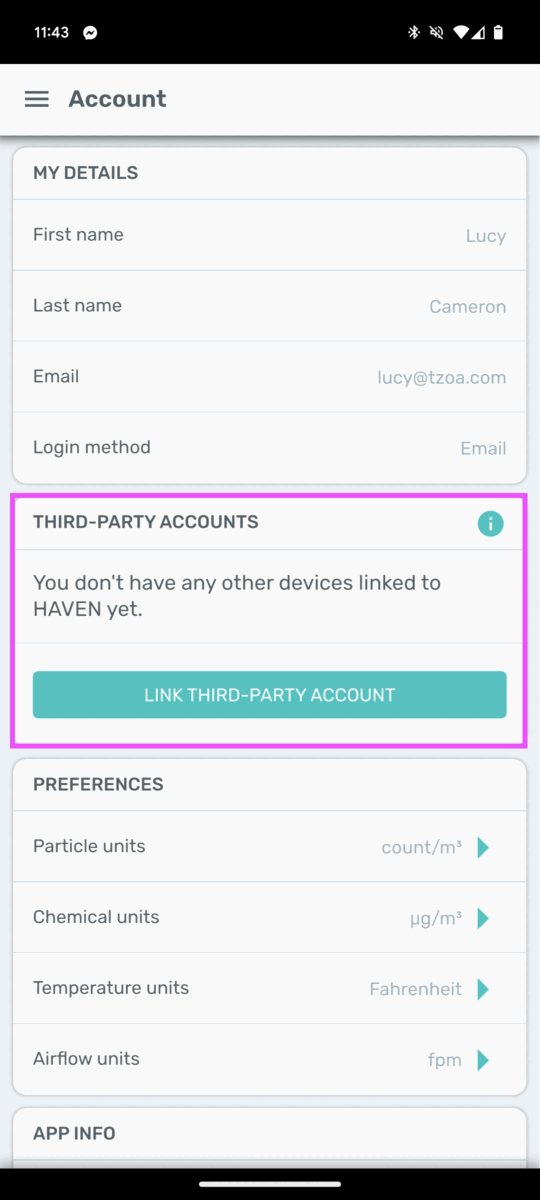
Click “Link Third-Party Account”
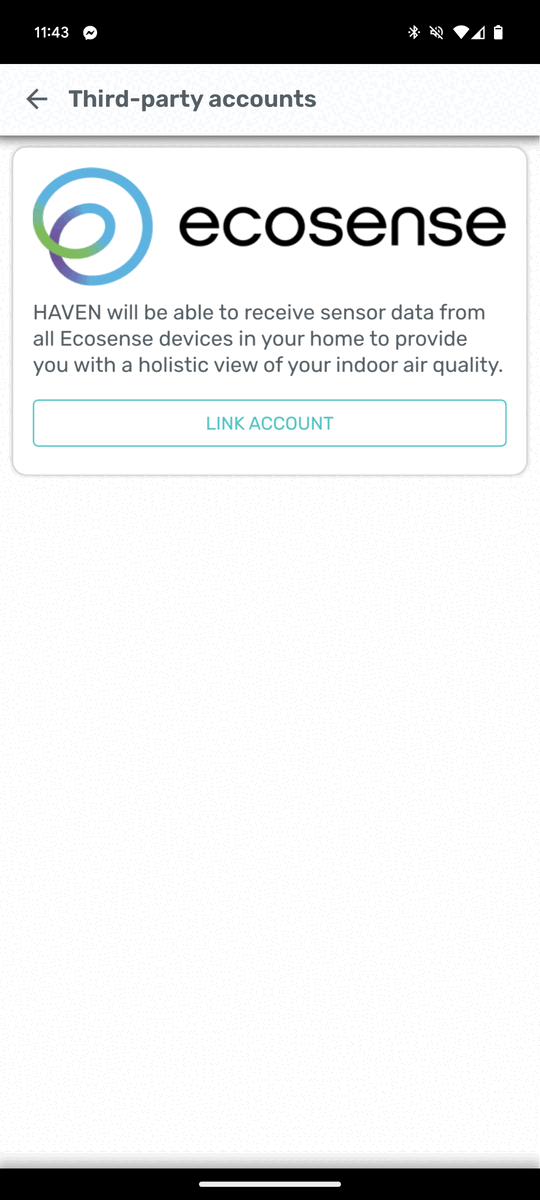
Select the type of account you’d like to link.
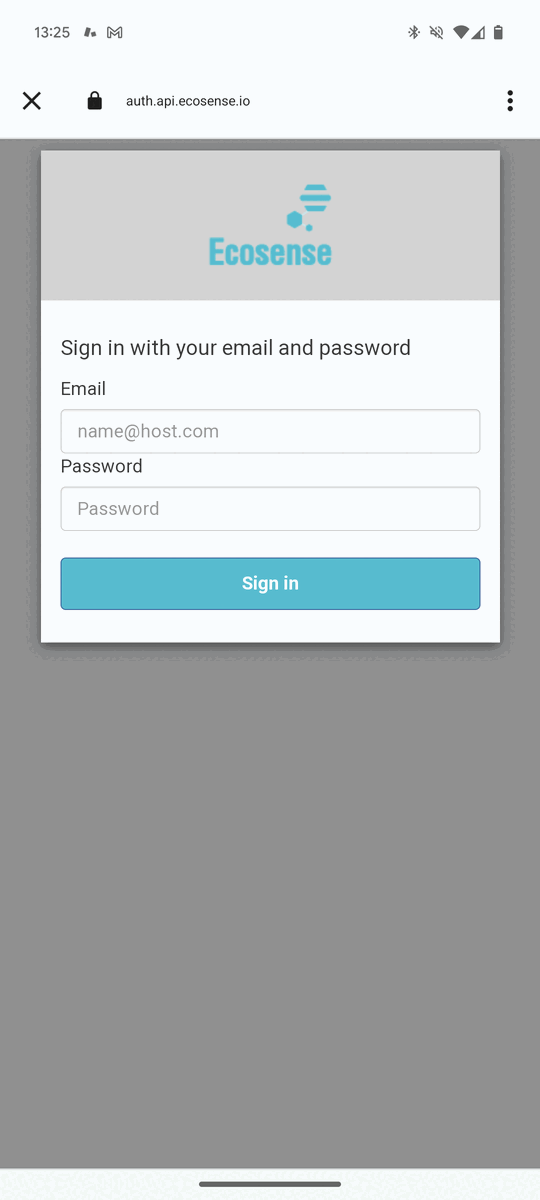
Enter your Ecosense login credentials & click “Sign in
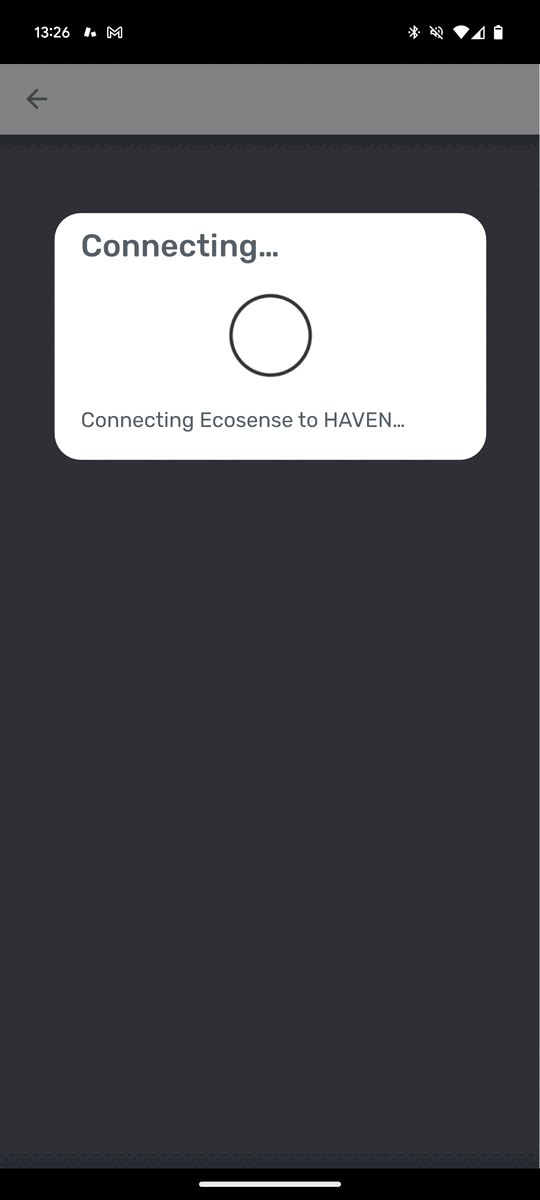
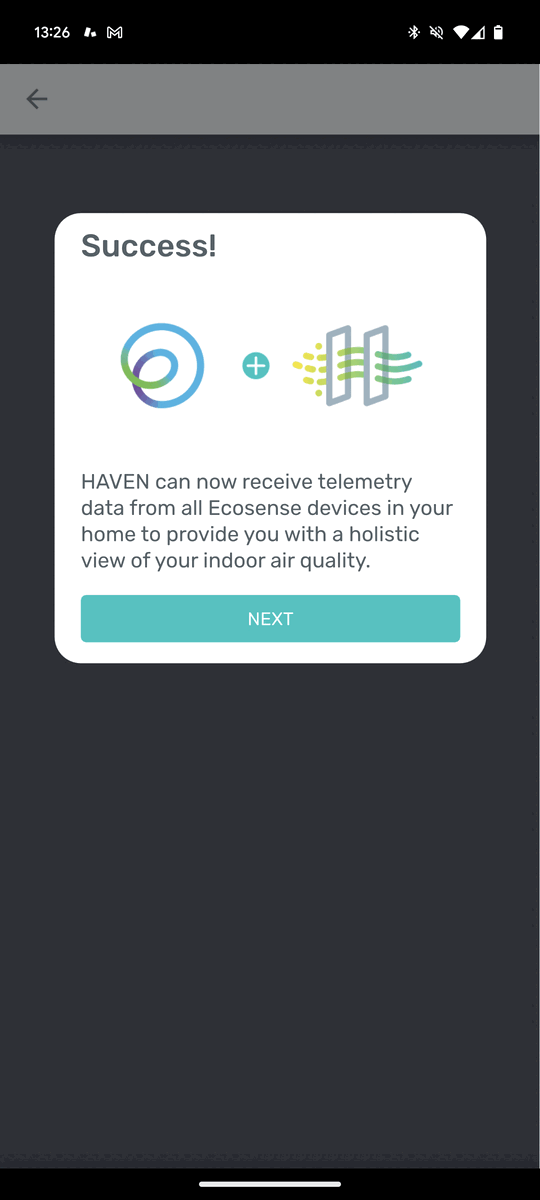
HAVEN and Ecosense will establish the account link.
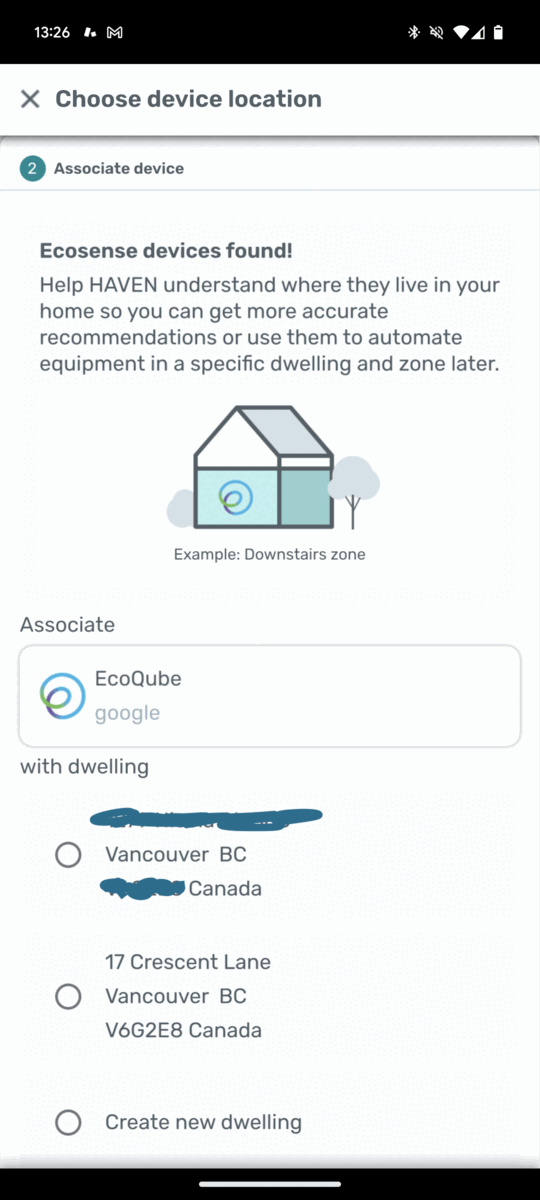
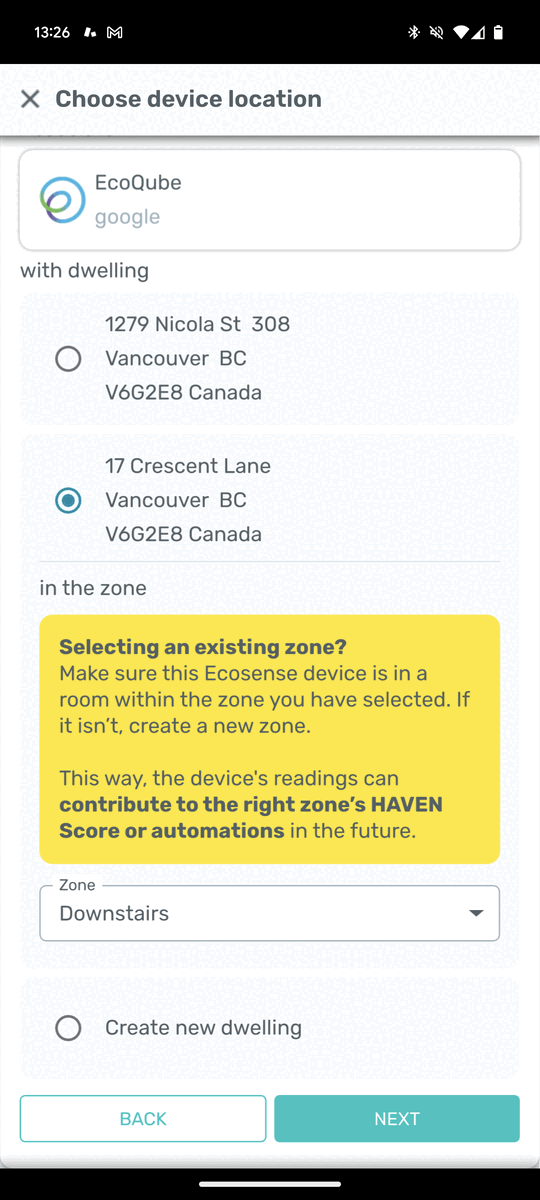
Associate your Ecosense EcoQube with an existing or new zone in your HAVEN dwelling.
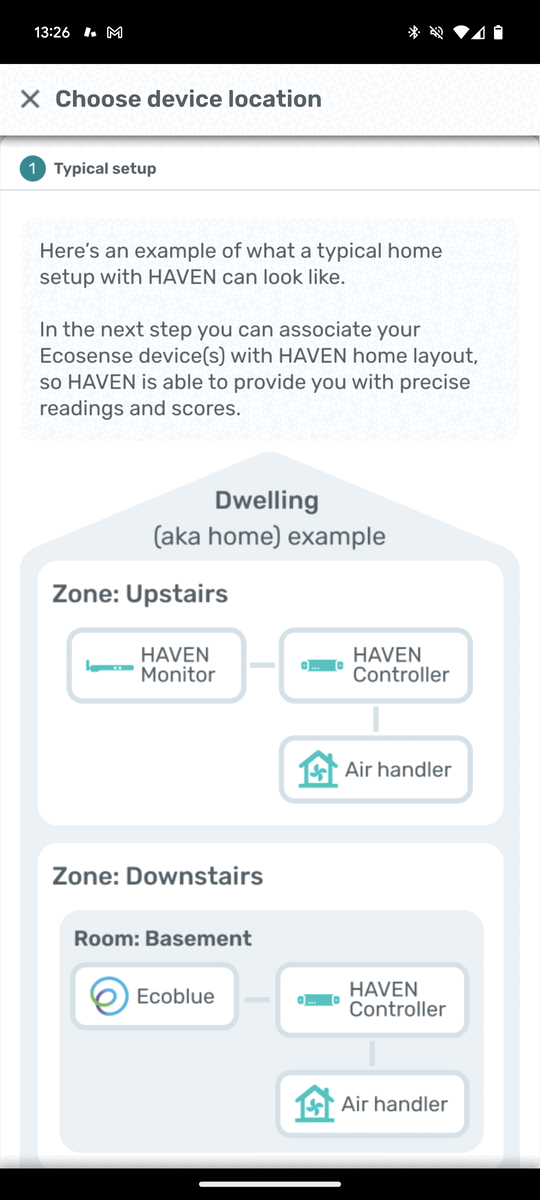
If the room in which your EcoQube is placed is in the SAME zone as your HAVEN Monitor, select “Existing”. If your EcoQube is in a zone that is NOT in the same zone as your HAVEN Monitor, select “Create New”. **Please note: HAVEN defines a “Zone” as the area of a home that is serviced by ONE air handler.
.
Once associated with a dwelling and zone, the linking process is complete!
How to unlink my Ecosense account?
Go to Menu / My Account
Click into your Ecosense account
Click “Unlink”
To see the changes, you’ll need to close and reopen the HAVEN App. It may take up to 5 minutes for the changes to be reflected.