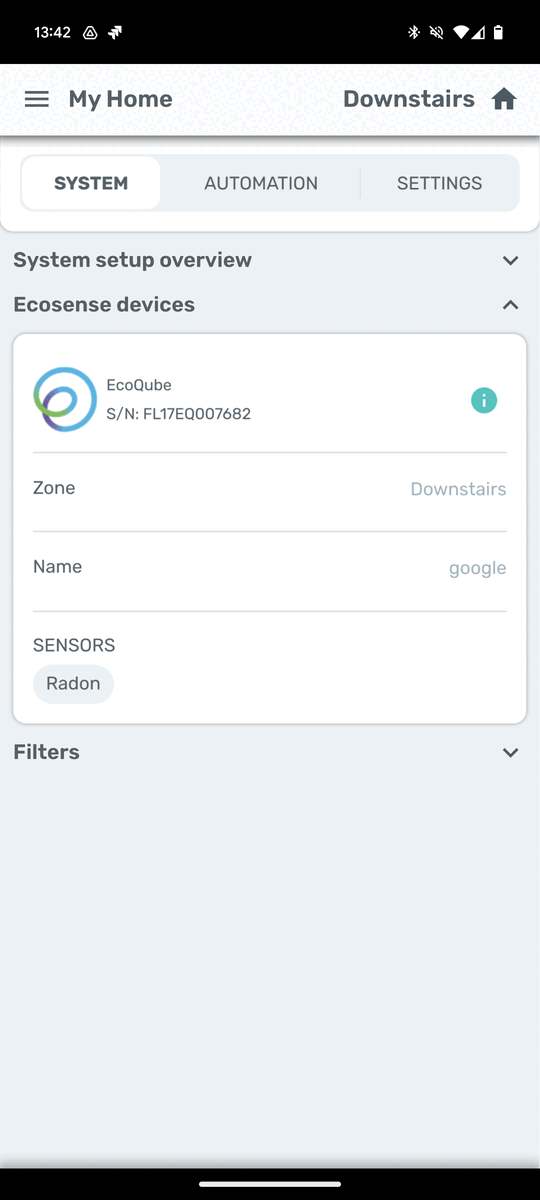

Zone selection
-
Depending on where you’ve placed your EcoQube in your house, it may be within an existing HAVEN zone or in one that is outside of the zone your other HAVEN Monitors and Controllers are installed in. You can toggle between zones by clicking the zone name in the top right corner of the app.
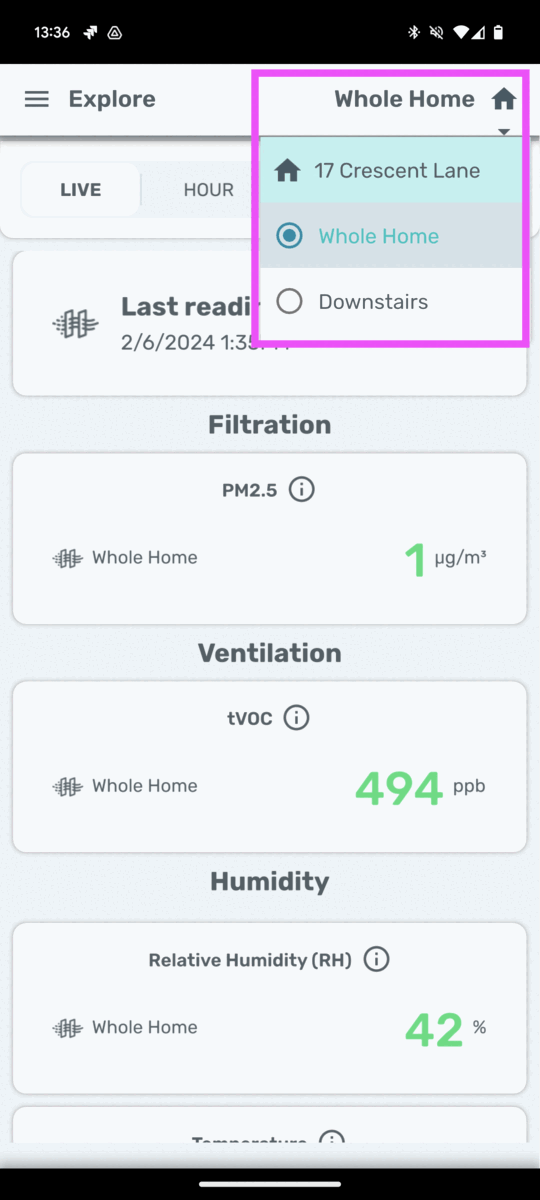
Explore the data
-
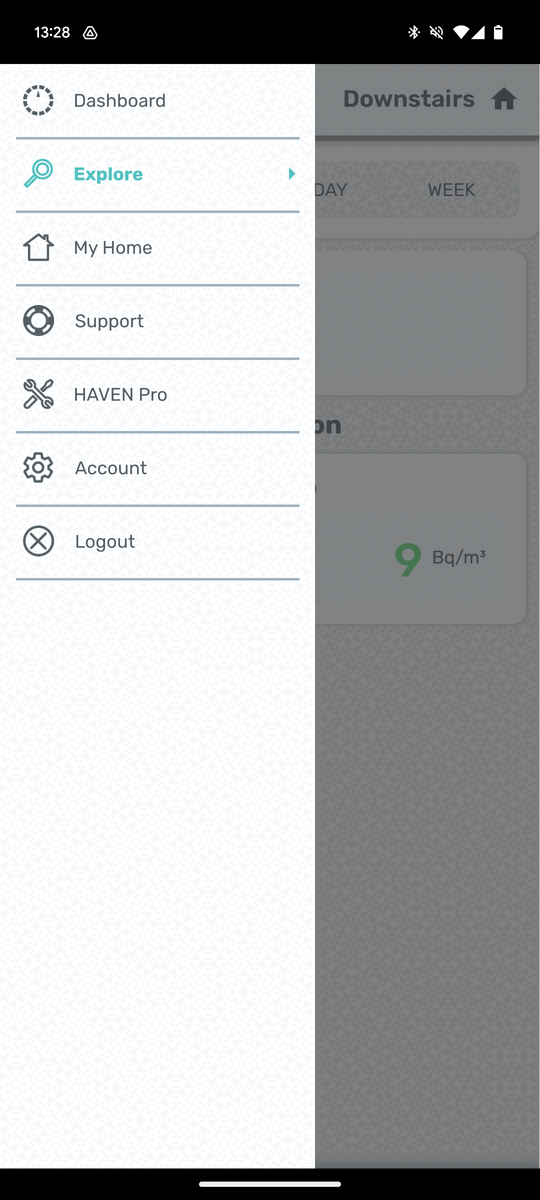
Go to Menu / Explore
-
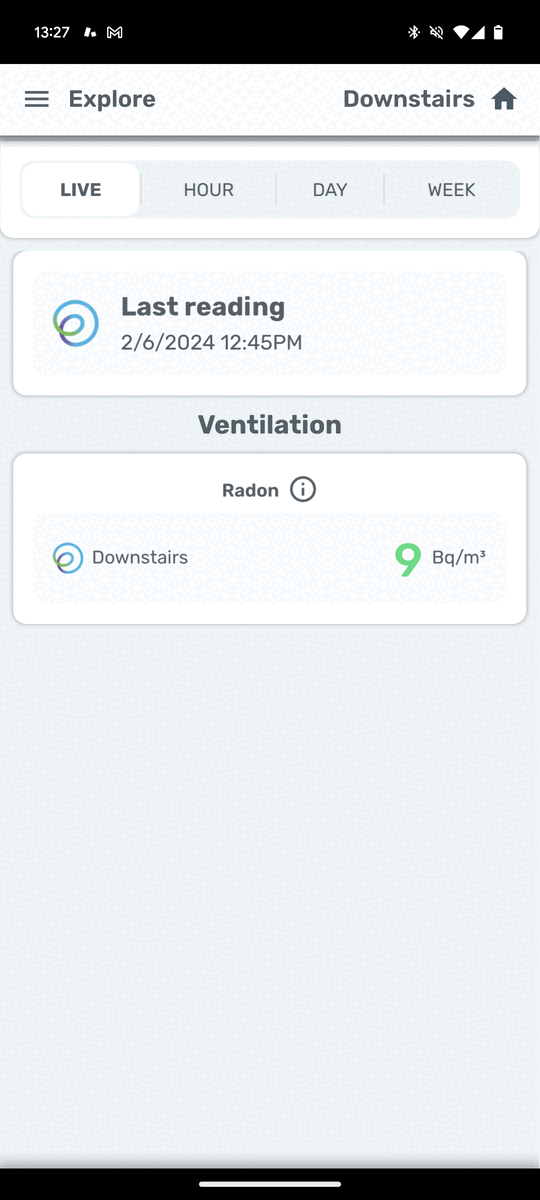
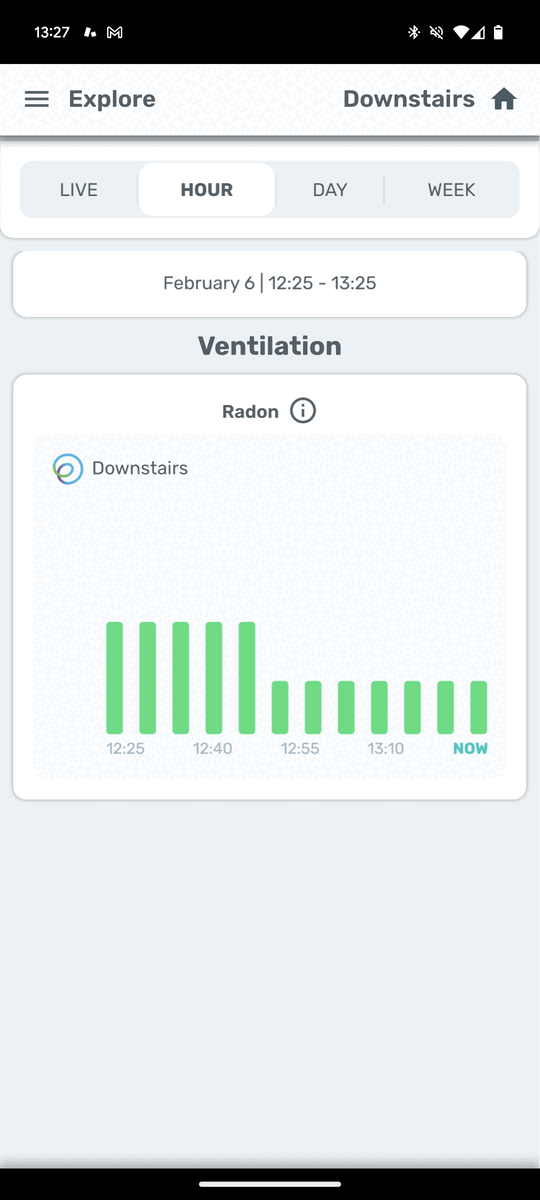
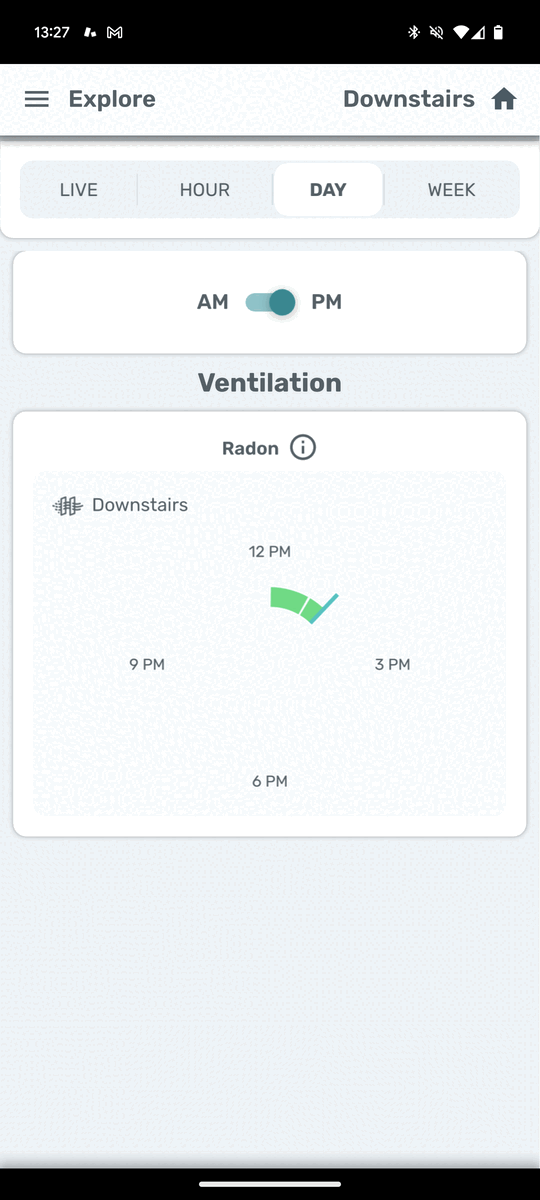
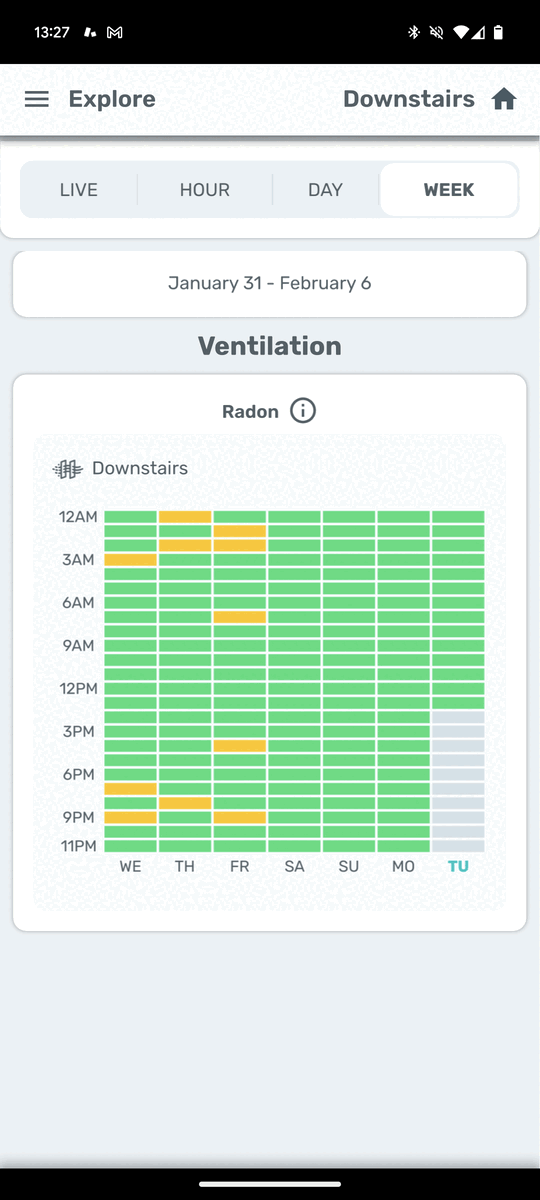
Toggle through Live/Hour/Day/Week to see different trends. If you have a HAVEN Monitor installed in the same zone, your Ecosense readings will show up alongside the HAVEN tVOC readings in the "Ventilation" section.
-
Live:
-
Hour:
-
Day:
-
Week:
View my associated Ecosense devices
-
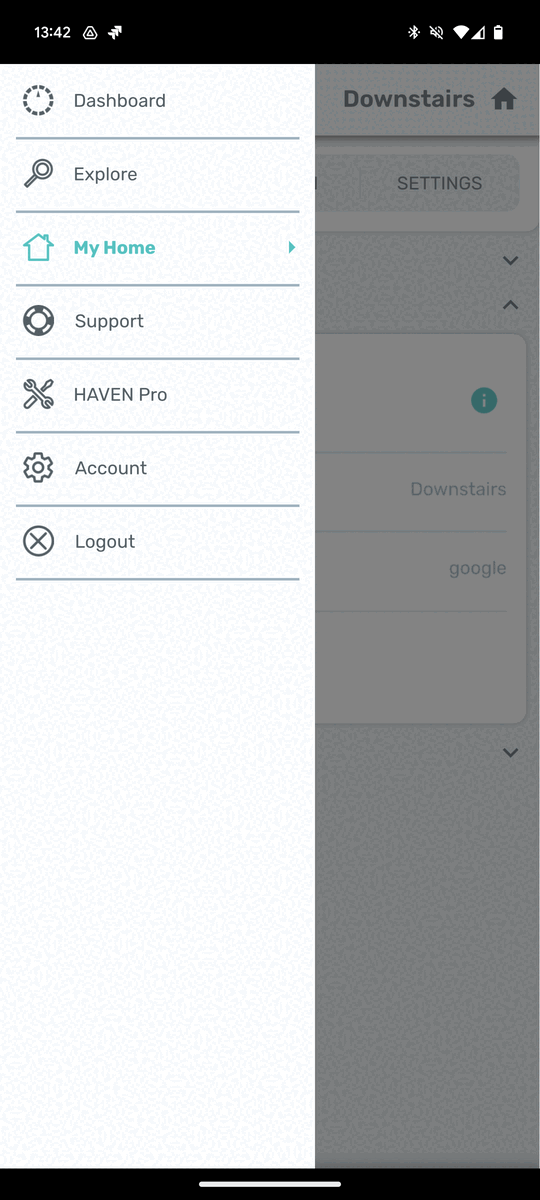
Go to Menu / My Home
-
You’ll see a new section called “Ecosense devices”, containing all EcoQube devices with their respective serial numbers, zones, and nicknames.